How it works
See how your farm's daily numbers come together.
From egg collection to estimated operating profit, LayerFlow helps you organize your farm's records in one simple workflow.
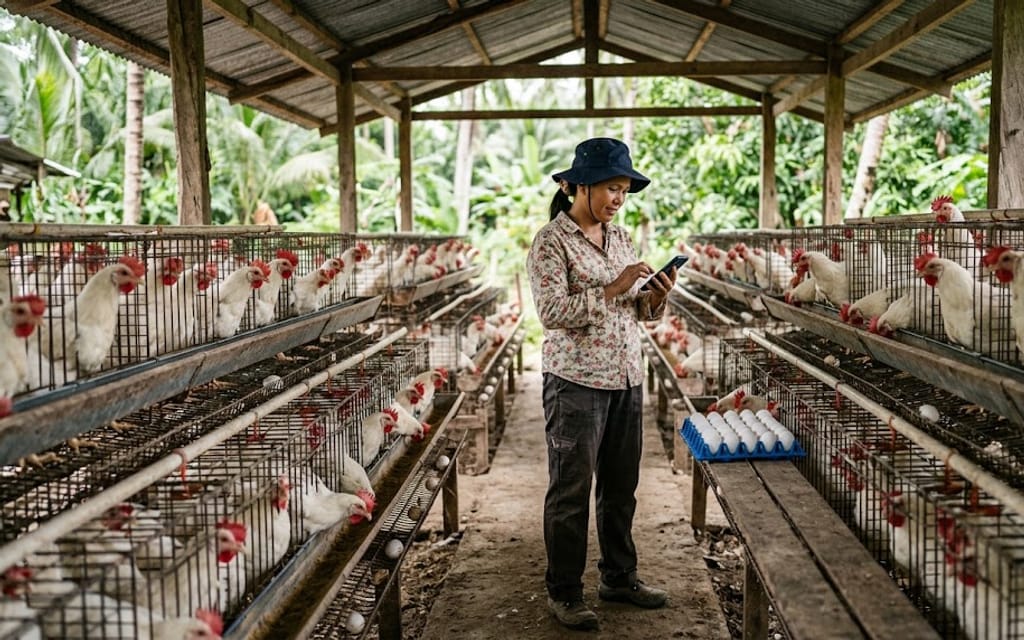
Today's laying rate
87.0%
Watch it run
The whole workflow, start to finish.
2½ minutes of the real app on a phone, with a sample farm's records.
The 4-step workflow
Four steps, in the order a farm day runs.
- 1
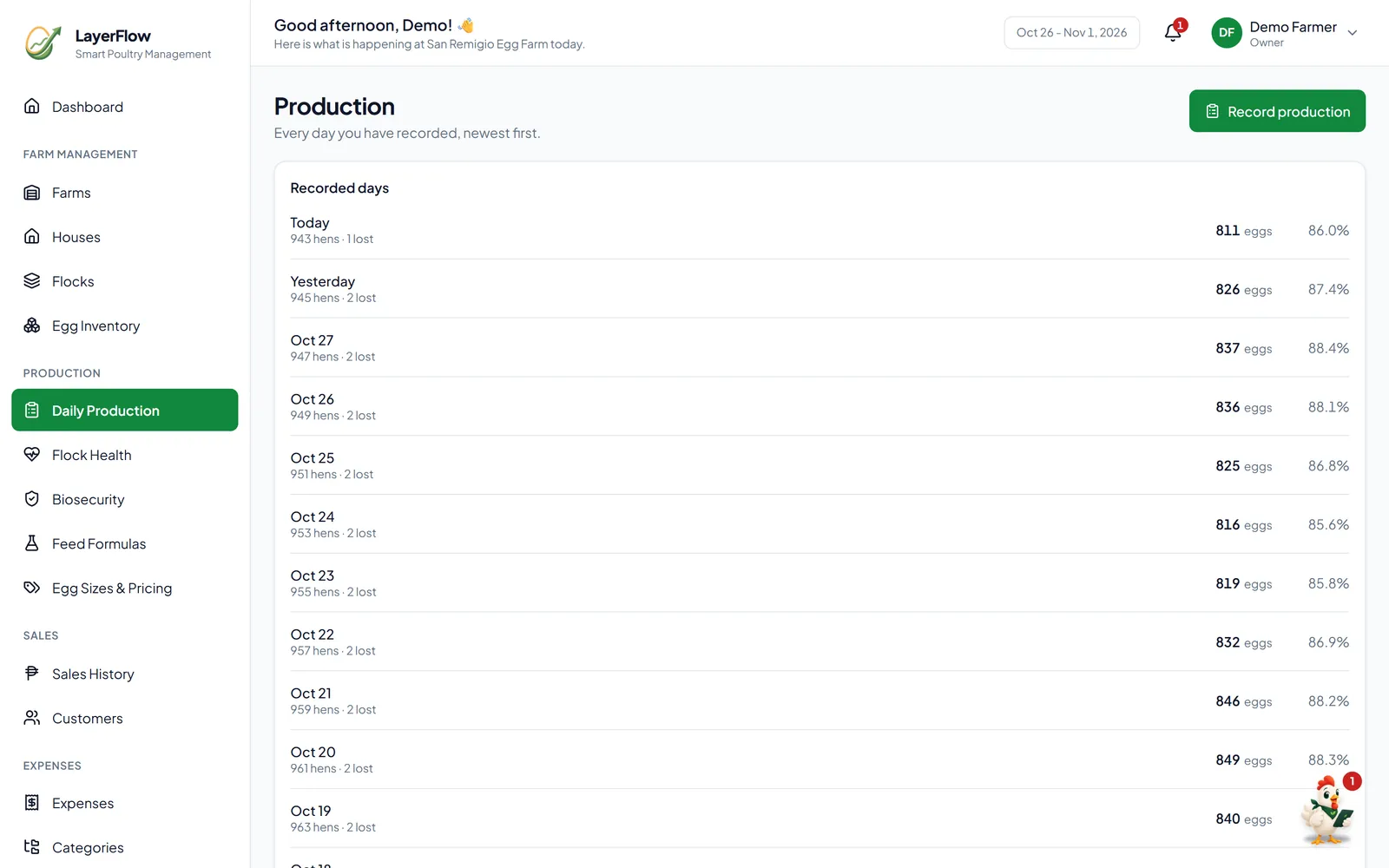
Record eggs and flock
All plansLog the morning collection in under a minute — eggs collected, broken and dirty counts, and a breakdown by size. Mortality and vaccinations go in alongside it, so the day's full picture is in one place.
- 2
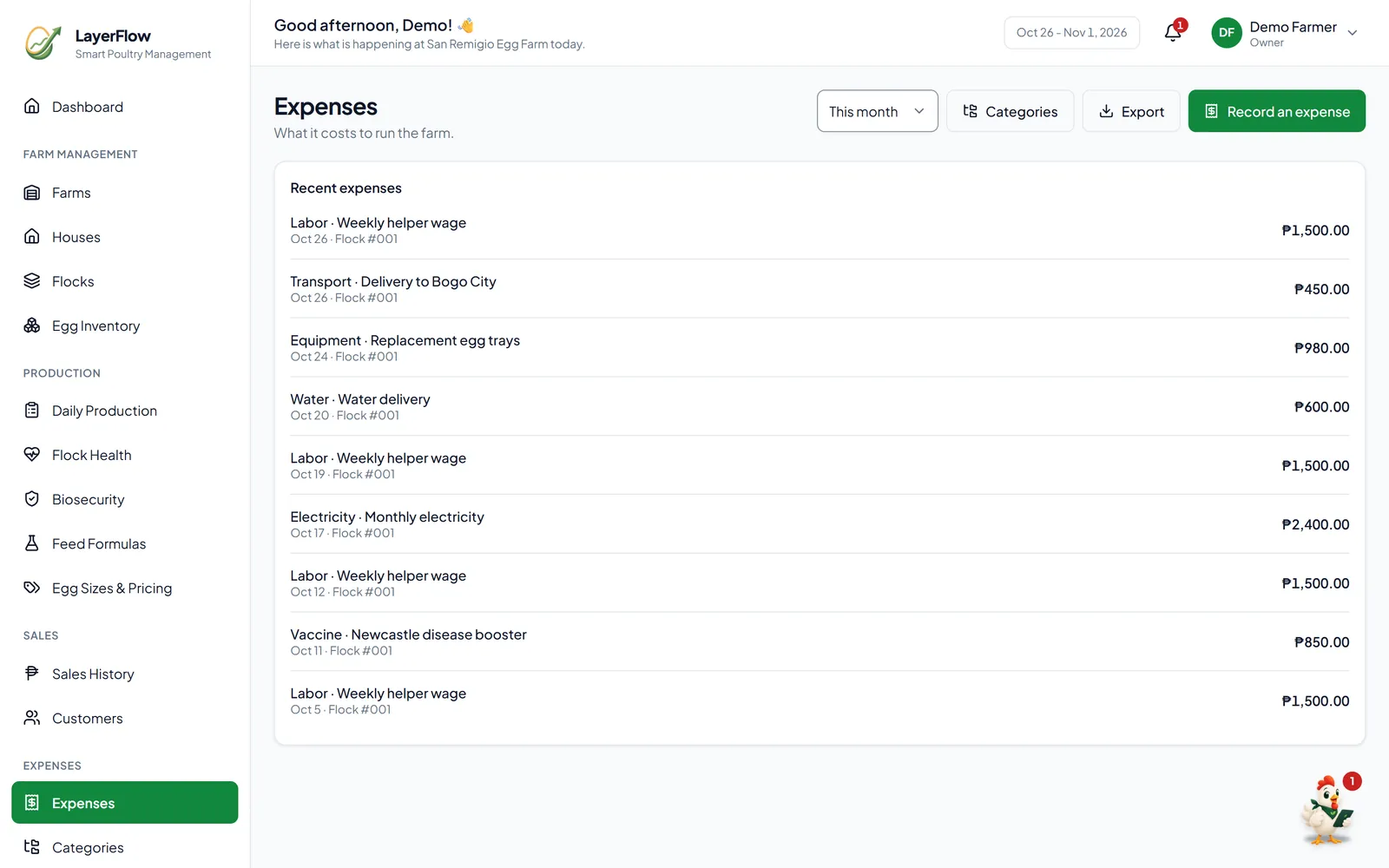
Track feed and expenses
Starter & ProPrice feed per kilo or by the sack on any plan — give LayerFlow the sack size and price and it works out the cost per kilo. Starter and Pro add every other operating expense: labor, water, electricity, transport.
- 3
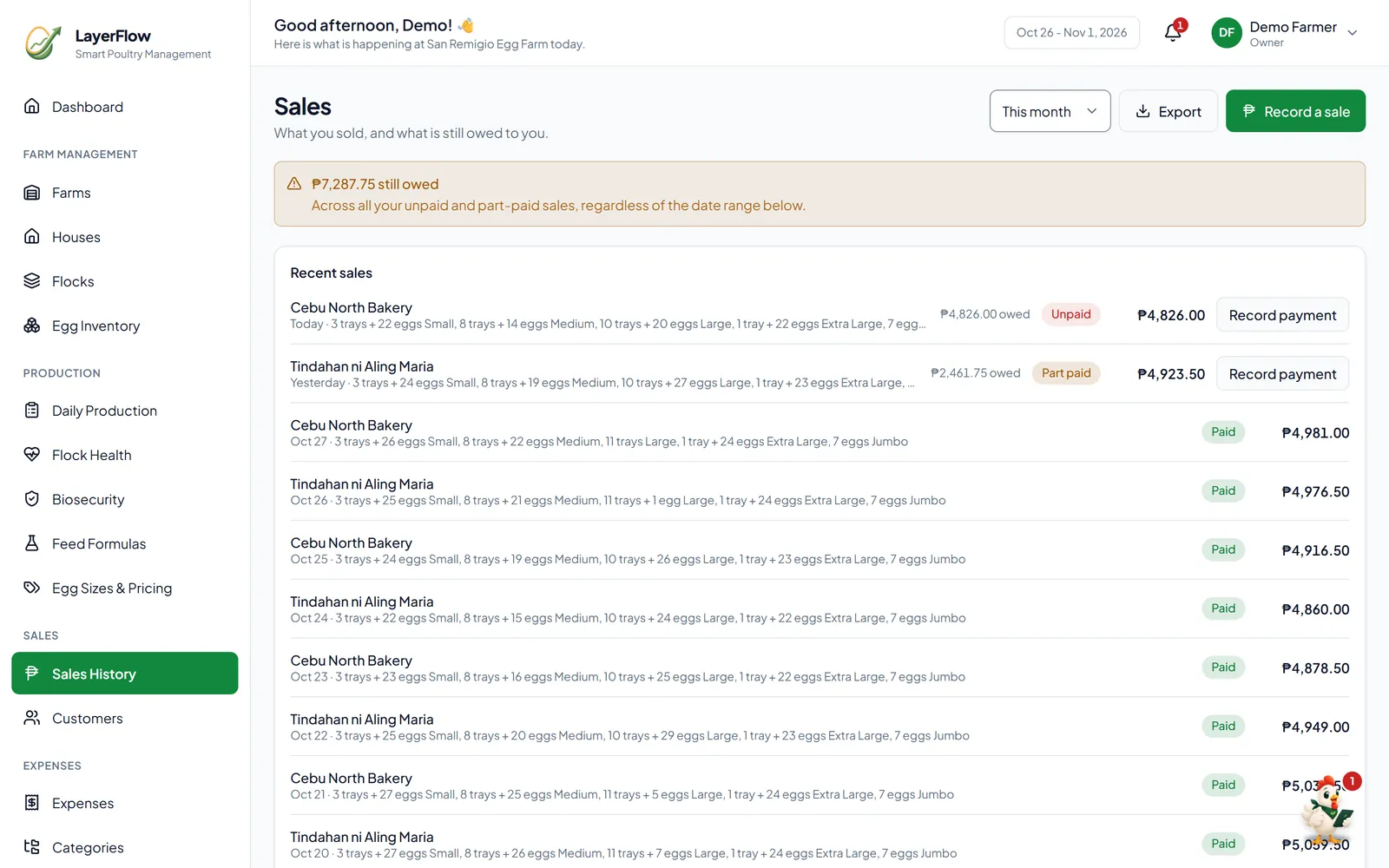
Record sales
Starter & ProRecord sales as they happen, by tray or by egg, and egg stock updates automatically. Walk-in sales work on every plan; Starter and Pro add saved customers, credit, and part payments.
- 4
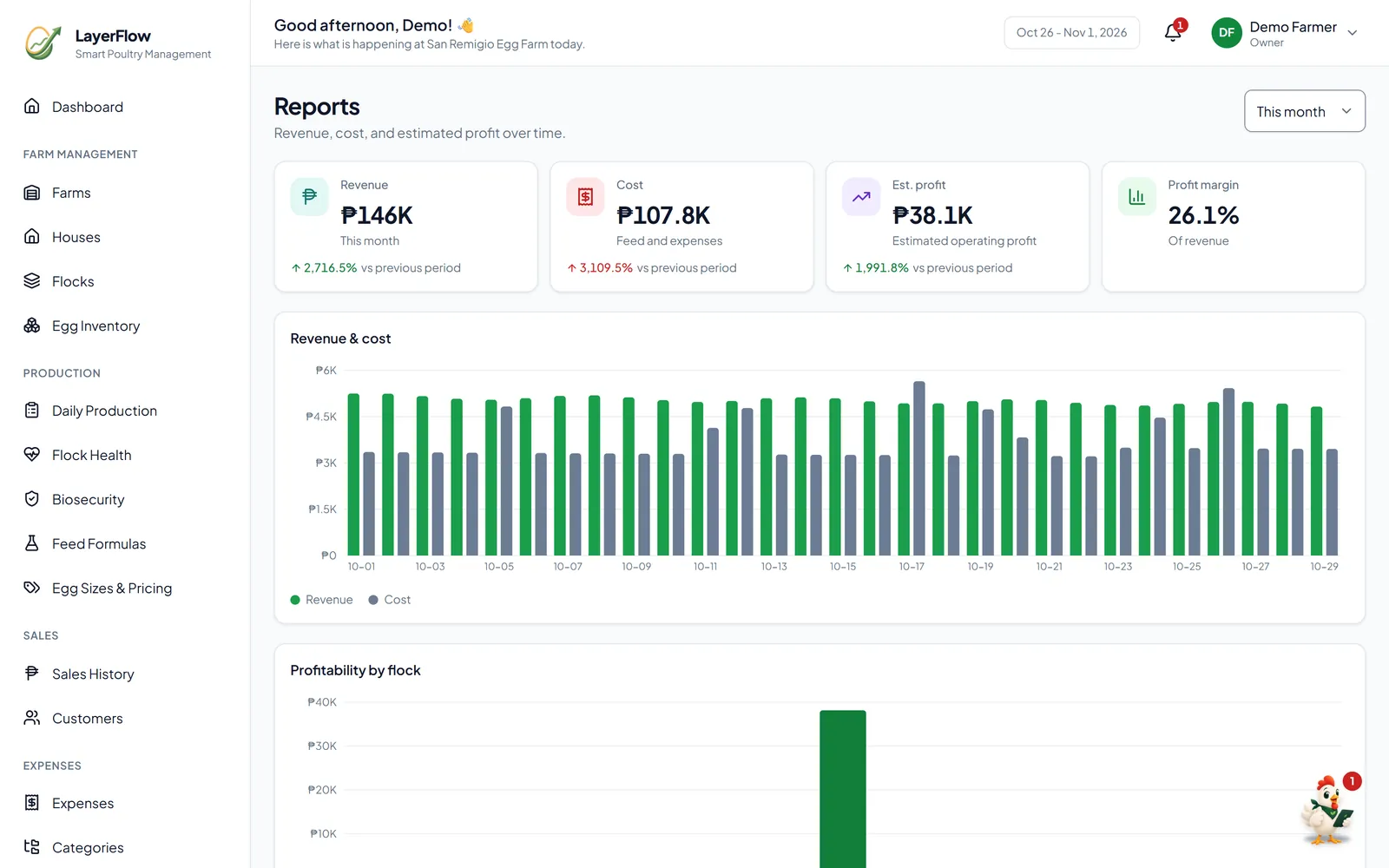
Review performance
Starter & ProThe dashboard sums up every day on any plan. Starter and Pro add reports — revenue, costs, estimated profit over time — and alerts that flag a production drop before it becomes a real problem.
How the numbers work
No black box. Here's the maths.
Every figure LayerFlow shows comes from a simple, standard formula — worked through here with one example farm.
Sample figuresAn example farm of 1,000 hens, not a real customer's results.
Feed cost per egg
Feed cost ÷ eggs collected
₱3,335.00 ÷ 870 = ₱3.83
Read the guide on feed cost per eggCost per egg
Operating costs ÷ eggs produced
₱119,300.00 ÷ 19,560 = ₱6.10
Read the guide on cost per eggOperating profit
Revenue − operating costs
₱176,500.00 − ₱119,300.00 = ₱57,200.00
Read the guide on operating profitOperating profit is an estimate: it excludes depreciation, owner's draw, and financing costs.
Offline? No problem.
Open LayerFlow while you have signal, and production, feed, and mortality keep recording when it drops. Entries are saved on your phone and sync automatically once you're back online — and if the same day was recorded on another device, LayerFlow asks you which to keep instead of guessing. Other screens, like sales and expenses, need a connection.
Catch problems while they're still small.
Alerts watch your numbers for you — a production drop, mortality above normal, or an overdue vaccination shows up on the bell, not at month-end.
- Only 3 trays left in stock.2h ago
- Mortality is higher than your normal range (6 today).Yesterday
- Production is normal.Today
Common questions
Who is LayerFlow for?
Layer farms in the Philippines with roughly 100 to 5,000 hens — from a single-flock backyard operation to a multi-house commercial farm with staff.
Can I start for free?
Yes. The Free plan covers 1 farm, 1 house, and 1 flock with 30 days of history — no card required, and it doesn't expire.
Does LayerFlow work offline?
Yes, on the Starter plan and up, for the records you make most: daily production, feed, and mortality. Open LayerFlow while you have signal; if the signal drops, those entries save on your phone and sync automatically once you're back online. Other screens, like sales and expenses, need a connection.
Can I record feed cost by the sack?
Yes. Enter cost per kilo directly, or tell LayerFlow your sack size (25kg, 50kg, or a custom size) and price, and it works out the cost per kilo for you.
Can multiple people use one farm?
Yes, on the Pro plan. Each farm can have up to 10 users, counting you as the owner — invite your staff as workers or managers, so everyone records into the same farm and sees the same numbers.
See your own numbers come together.
Start free with one flock. No credit card required.